[B7402F/Commercial NB] How to enable/disable ASUS Private View
ASUS Private View is able to let your eyes and your sensitive information be all protected. Follow the steps below to learn more about how to enable/disable the ASUS Private View feature.
Model Supported: ExpertBook B7 Flip (Only for the B7402F series with FHD display)
Note: ASUS Private View is available only on FHD displays. To achieve the best privacy, ASUS recommends reducing the screen brightness to 20-30% when Private View is on. Due to the Privacy Panel technology, when Private View is turned off, color saturation and brightness is reduced compared to a regular IPS panel. Note that exerting excessive force on the display panel may result in white spots when Private View is on.
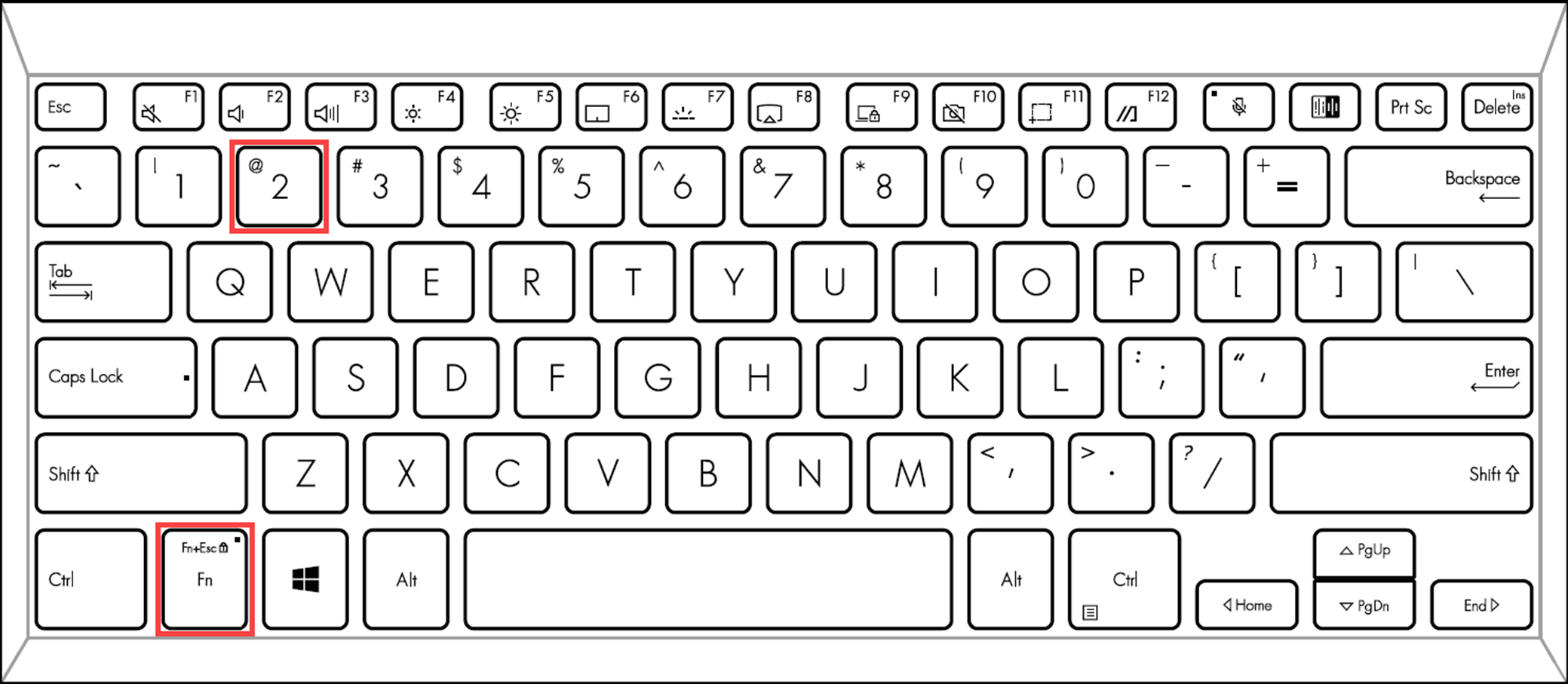
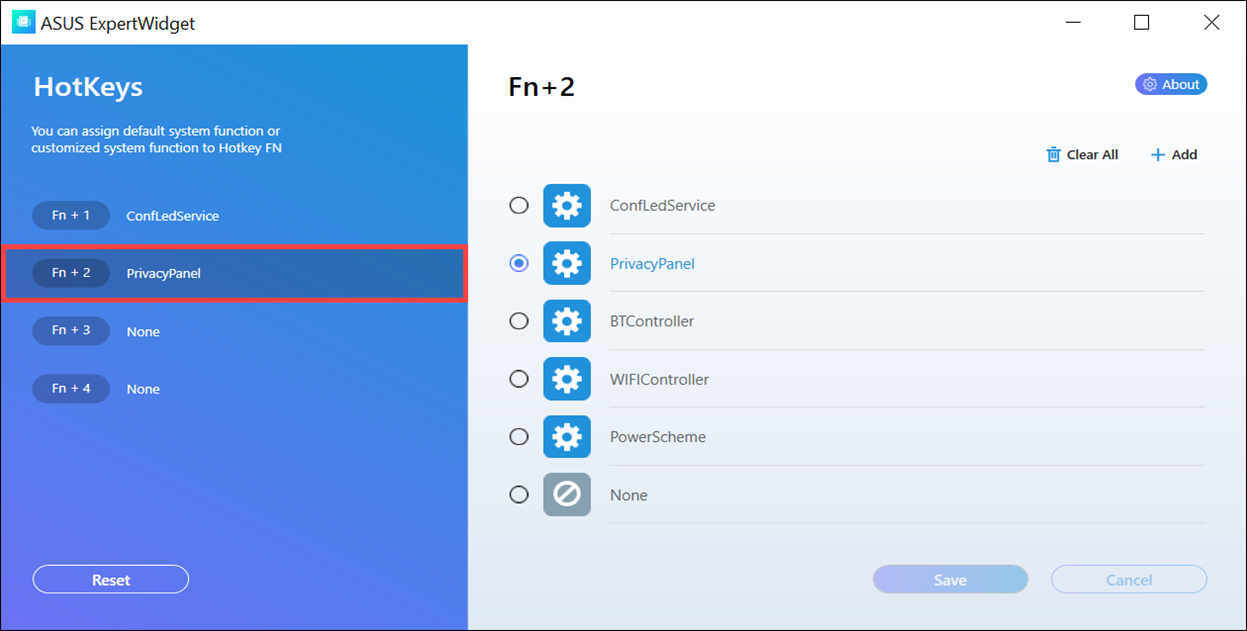
- On the default settings of ASUS ExpertWidget, toggling Fn+2 can enable and disable ASUS Private View. Refer to this article to learn more about ASUS ExpertWidget introduction.
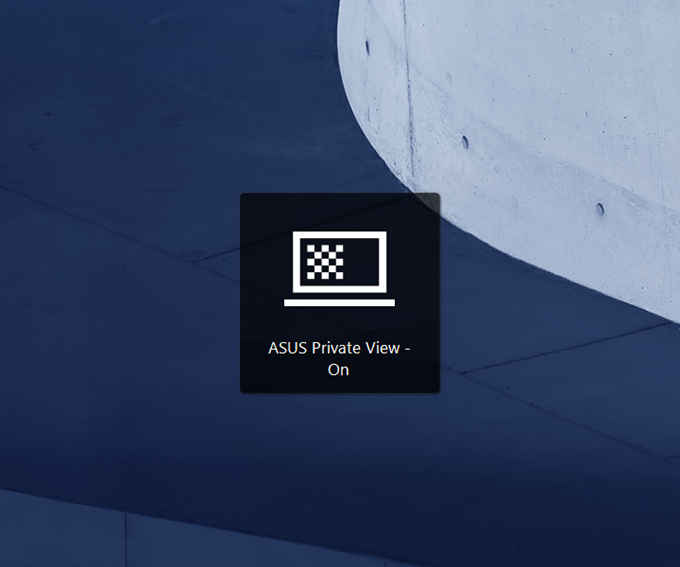
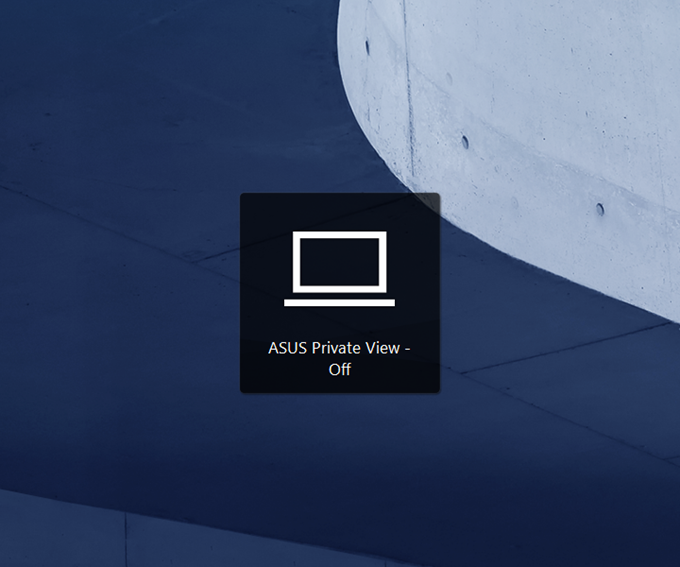
- When pressing Fn+2, you will receive a message on the screen to let you know ASUS Private View is turned on/off.