
Home Screen

Clock
Customize the time zone settings of your ASUS Tablet, set alarms, and use your ASUS Tablet as a stop watch using the Clock app.
Launching Clock
Launch the Clock app using either of the following options:
-
Tap
 > Clock.
 - From your ASUS Tablet’s home screen, tap the digital clock display.

World Clock
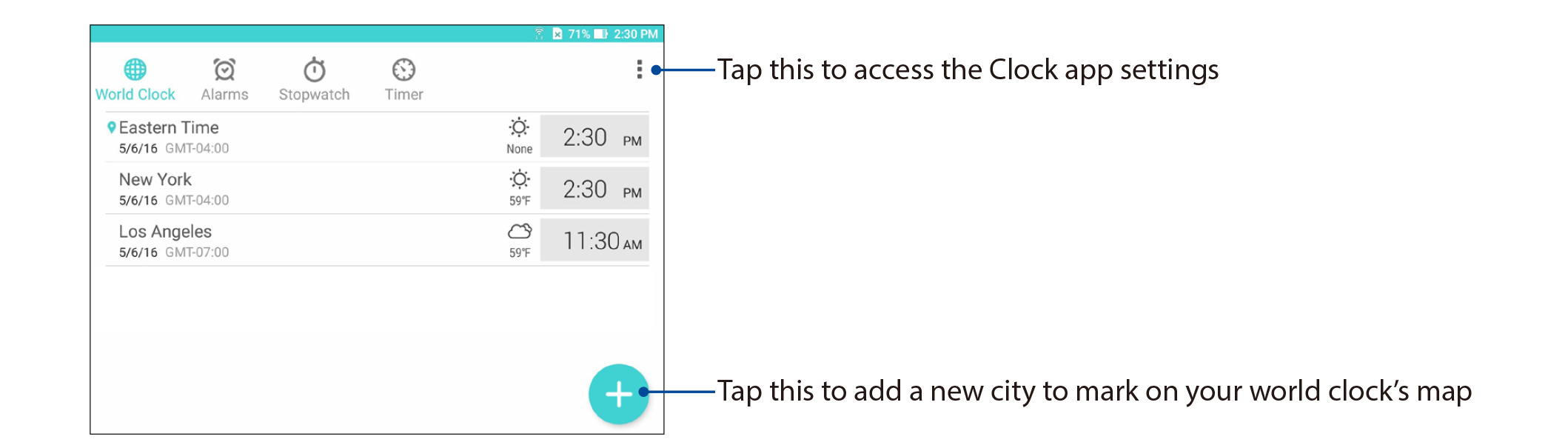
Tap  to access the world clock settings of your ASUS Tablet.
Alarm clock
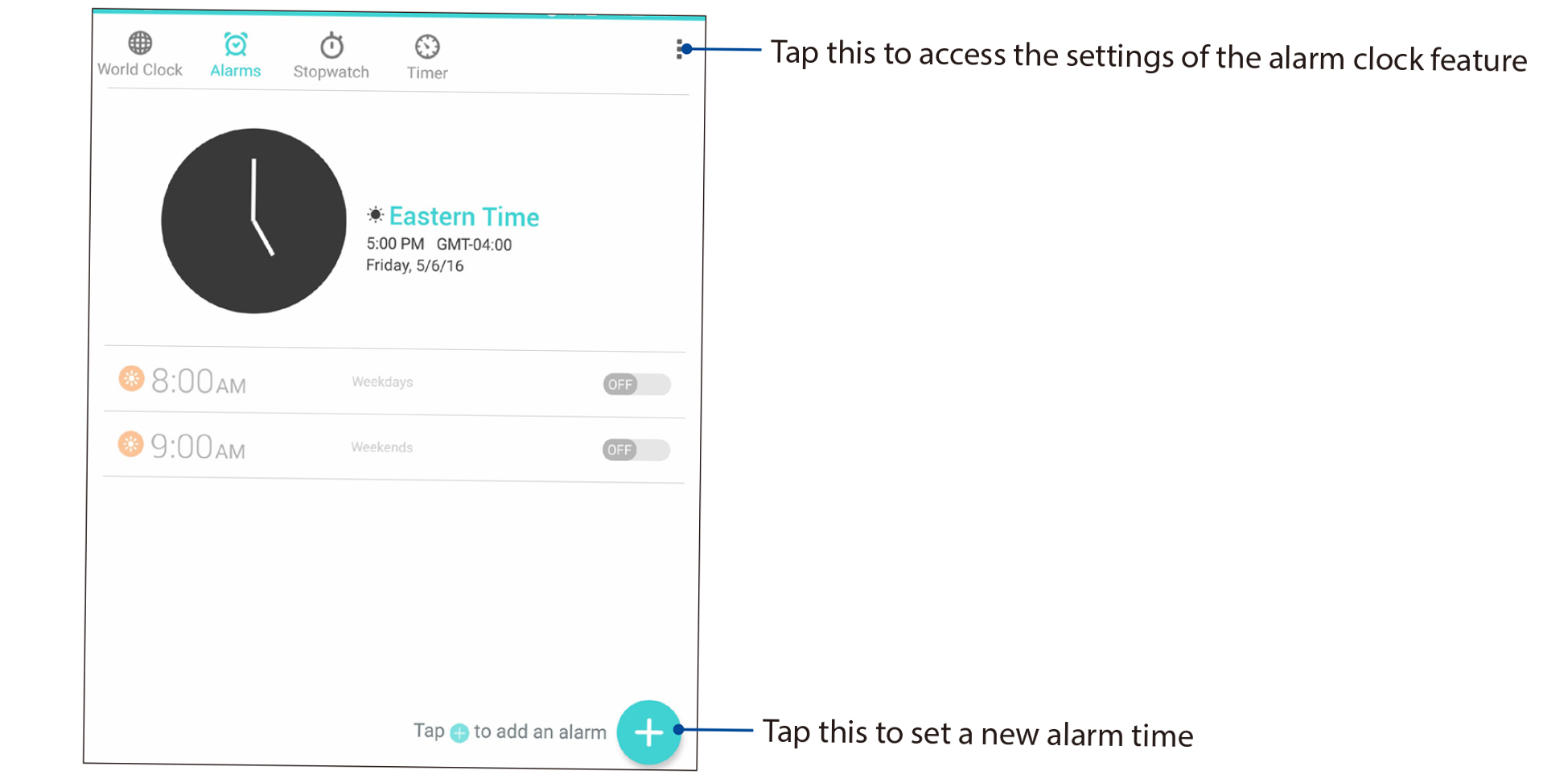
Tap  to access the alarm clock settings of your ASUS Tablet.
Stopwatch
Tap to use your ASUS Tablet as a stopwatch

Timer
You may set multiple timer options for your ASUS Tablet. To do this, follow the steps below.
Setting the timer
-
Tap
 to access the timer feature of your ASUS Tablet.
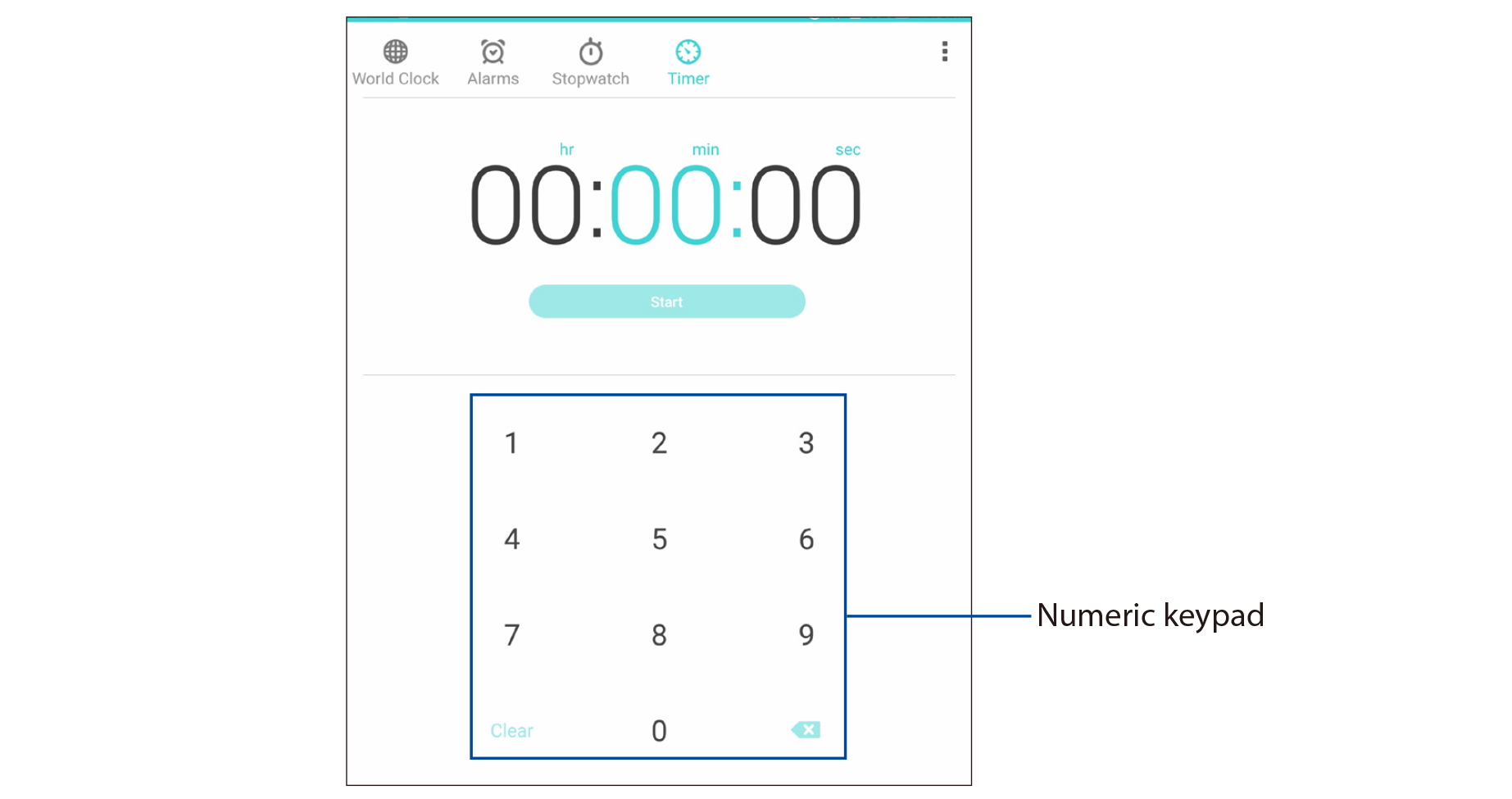
- Use the numeric keypad to input your target time then tap start to start the timer.